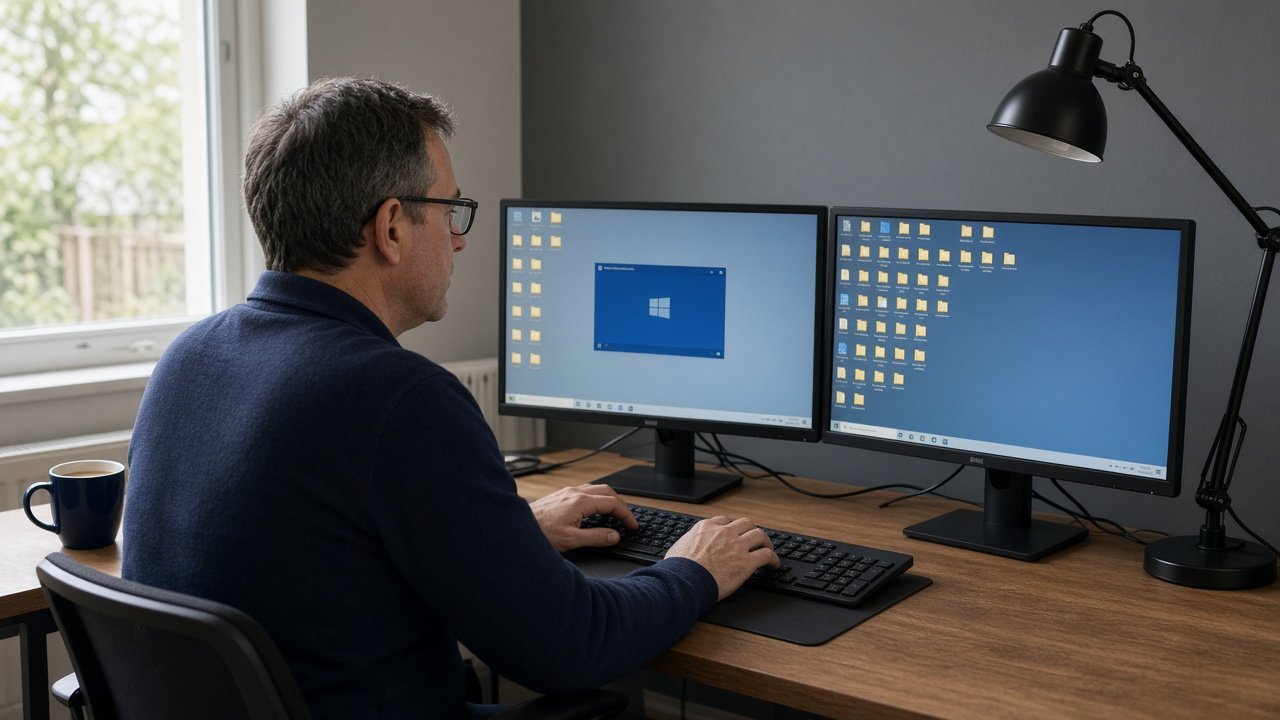
The server is not the business. The apps are.
A UK SME office server is usually a quiet metal box running file shares, a line-of-business application, and a backup job nobody has restored since it was installed. Staff treat it as “the office”. Hybrid working treats it as a single point of failure you VPN into from the kitchen table. If that sentence feels familiar, you are already past the point where another five-year warranty is the interesting question. Read what a hosted desktop is if you need the product in one page; this article is when to switch the old box off.
1. The warranty (or the person who understood it) has gone
Hardware fails on a Thursday. If the server is out of warranty, disks are original, and the only RAID documentation is a faded sticker, you are one fan failure from a very expensive archaeology project. Replacing like-for-like means another cupboard, another UPS, another “who patches Windows Server”. A hosted desktop moves that job to infrastructure someone else is paid to keep alive — in the UK, if that matters for your contracts.
2. Hybrid working turned the office PC into a bottleneck
VPN-into-the-office-PC was a pandemic patch. It is still how a surprising number of Hampshire firms open Sage or a case file from home. It is also how a broadband blip in the empty office takes the whole firm offline. A hosted desktop vs VPN comparison is the honest version: the files should not live on a machine that is also the kettle’s neighbour. If half the team is out two days a week, the server’s location is already wrong.
3. Sage, IRIS or case management lives on one ageing box
Accountants, solicitors, IFAs and recruiters still run software that expects a LAN. That is not a reason to keep a 2018 tower under the stairs. It is a reason to put the company file in a hosted environment built for it. Accountants and solicitors are the usual pattern: same desktop, same mapped drives, no “who has the company file open”. If a provider cannot name Sage 50 or your case system on a scoping call, keep the server until they can — or pick someone who can. The buying checklist is that conversation.
4. The next refresh quote looks like a small car
Server, disks, warranty, UPS, backup target, someone to migrate the shares. That invoice is the moment to ask whether you still want to own a computer room. Hosted desktop pricing is a monthly seat cost, not a capital surprise every five years. It is not automatically cheaper every month — it is predictable, and it includes the person who patches it. See hosted desktop pricing before you compare a hardware quote to a guess.
5. You cannot restore the backup you think you have
Ask for last month’s restore test. If the answer is a pause, the server is already retired in all but name — you just have not had the outage yet. A hosted desktop quote that includes backup you can actually restore is the replacement for “a USB disk in the office manager’s drawer”. Windows 365 can be the right product when Microsoft 365 is the whole job; it is the wrong product when the firm still turns on a LAN-era application. That fork is in hosted desktop vs Windows 365.
When you should keep a server
Keep one if you have a genuine on-prem requirement: a machine that must sit next to a workshop controller, a regulator who has written “on site” into a contract you cannot change, or software that will not run in a hosted session and will not be replaced this year. Those are real. “We have always had a server” is not. Neither is “the broadband might go down” — that is a second circuit or 4G failover conversation, not a reason to keep the only copy of the accounts in a cupboard.
What retirement actually looks like
Scoping, a build of your desktop image, a copy of data and applications, then a cutover window. Accountants usually go out of hours. A firm with no server yet never buys one. After go-live the old box is powered down once you are happy, not on day one. Hadfields moved Sage, IRIS and TaxCalc without a working-day outage; Whitcombe & Rye retired a failing server over a weekend. Those are the receipts, not a slogan.
A short rule
Retire the office server when it is the only way staff get to the apps, when you cannot restore it, or when the refresh quote is really a request to keep doing IT you no longer want to own. Keep it when something physical or contractual truly cannot move. Then pick a UK hosted desktop provider who will read your software list before they send a number. Call 02394 331 999 if you want that list checked without a form.